Share
ShareUse the “I’m Attending” graphic to share your excitement and help spread the word about the HSMAI Americas Commercial Strategy Conference. Download the image and include it in a post on your social channels to join the conversation and build momentum around the event.
When sharing, please remember to:
- Add #HSMAI
- Link to the event site at https://commercial.hsmai.org/.
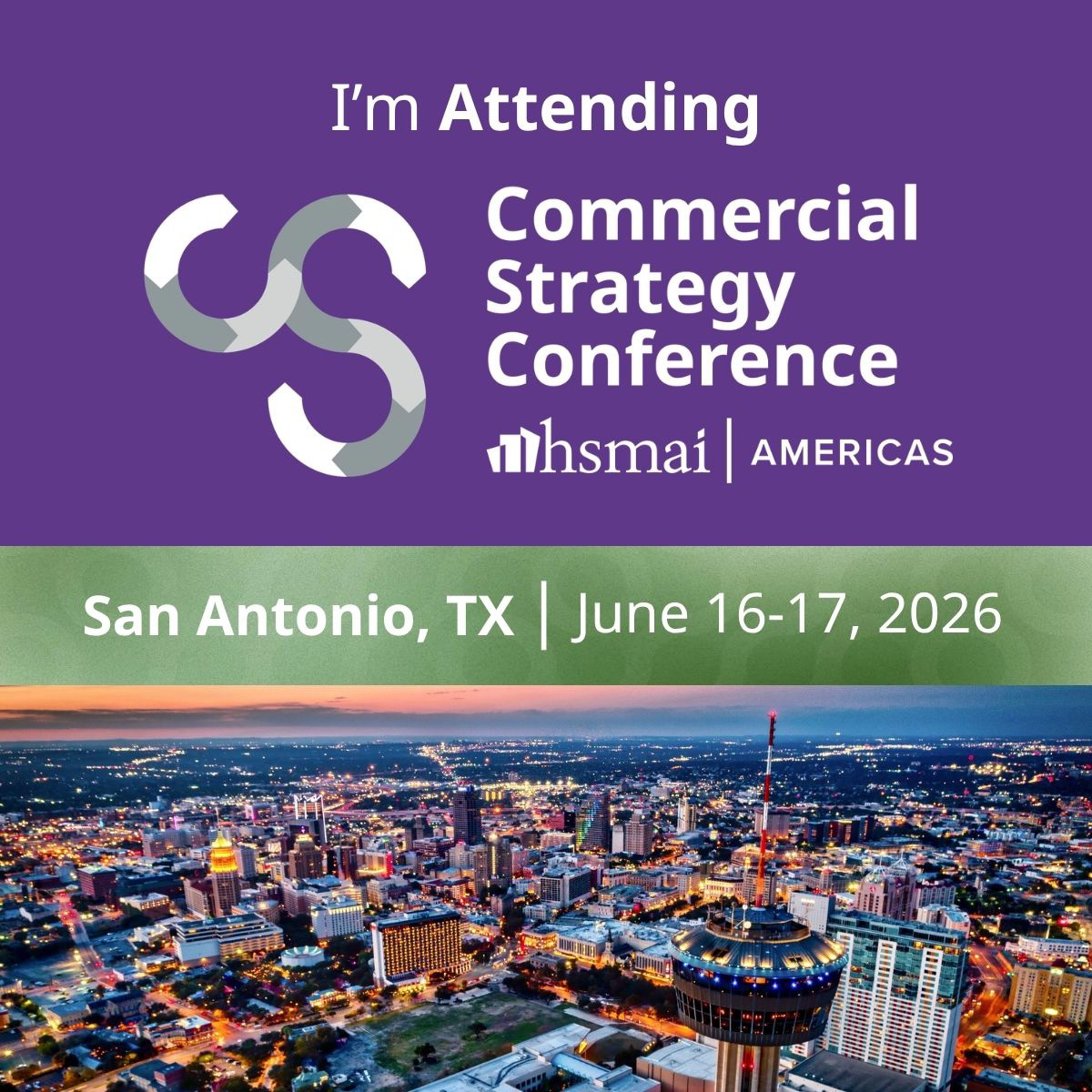

Instructions to personalize your graphic in Canva
- Open the Canva template link for your “I’m Attending” graphic.
- Click Uploads in the left menu and upload your headshot or photo.
- Drag your photo onto the template and position it inside the designated frame.
- Adjust your headshot size and placement as needed.
- Click Share in the right menu and then click Download.
- Download your finished graphic and share it on LinkedIn, Instagram, or your preferred social platform.